

Send to the right contacts.
Set the filters once, reuse everywhere
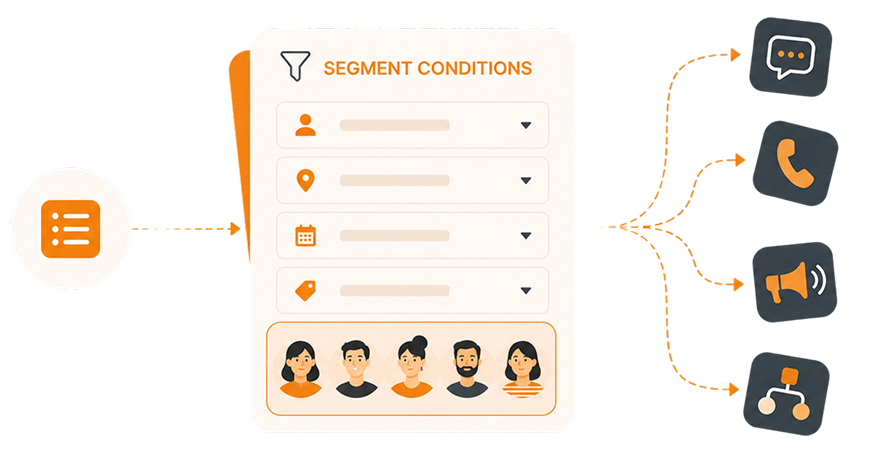
Define your audience with conditions and filters, then attach that segment to any campaign — texts, calls, voice broadcasts. No CSV exports. No list rebuilding.

Trusted by 200k campaign-organizing teams







THE PROBLEM
Your contact lists are already outdated before you hit send
Every week, teams waste hours pulling Salesforce exports, cleaning spreadsheets, and uploading lists — only to discover they targeted the wrong people anyway

CSV exports pile up
You pull a list from Salesforce on Monday. By Thursday, it’s wrong — new contacts weren’t included, and some have already opted out. You run the campaign anyway.

Every campaign starts from scratch
Your organizers rebuild the same “active members in Ohio” list for every campaign. Same filters. Same steps. Manually, every time. There’s no way to save and reuse it.

Blasting to everyone wastes budget
Sending to your entire contact list because targeting is too painful? That’s money spent reaching people who aren’t relevant — and risking opt-outs from those who are.
THE SOLUTION
Build it once. Target precisely. Use it everywhere
CallHub Segments work like a saved search — you set the conditions, preview the matching contacts, and apply that segment to any campaign. No re-exporting, no manual list cleaning. Ever again.
Filter by anything. Combine everything
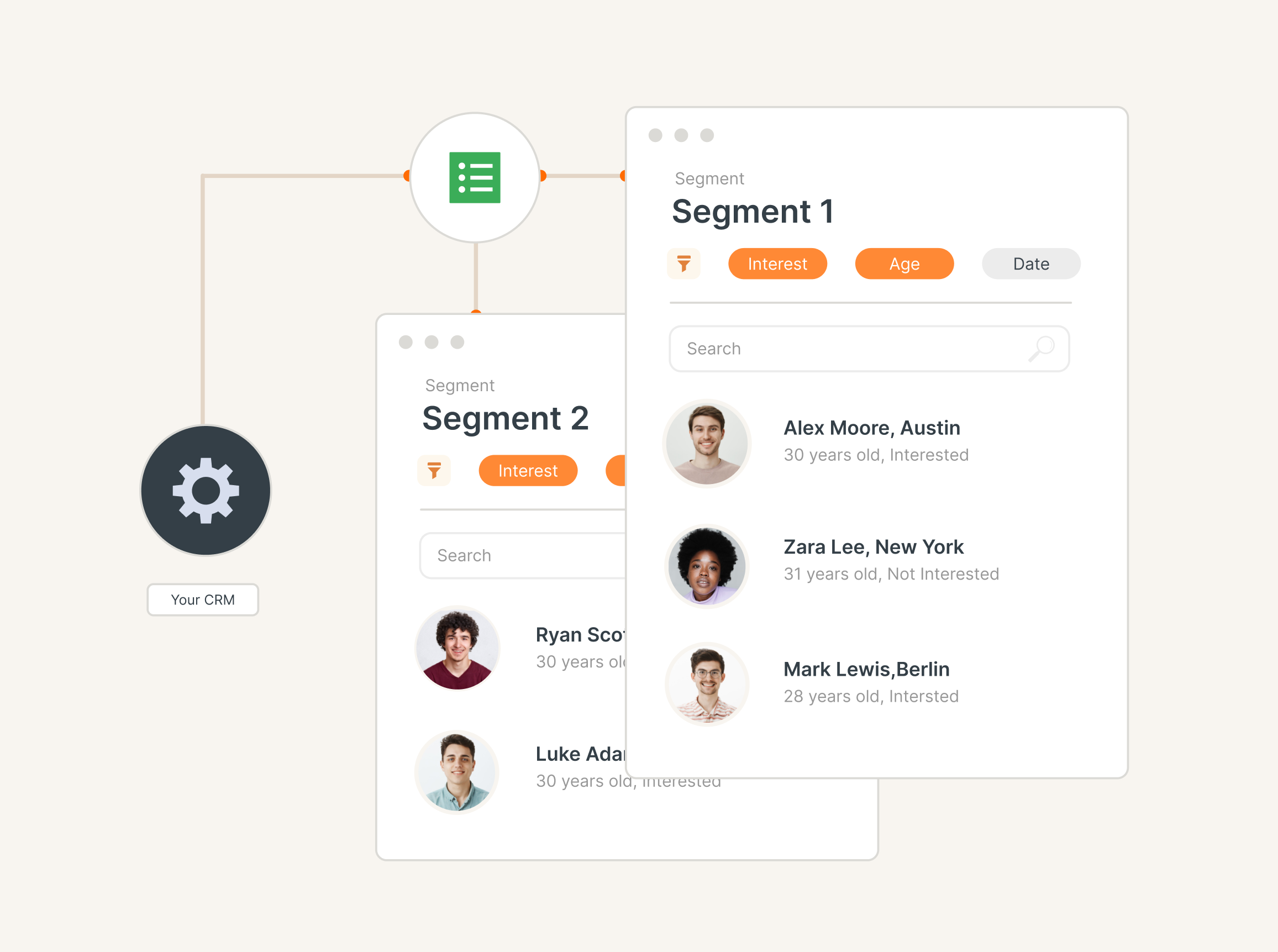
Tags, contact fields, Salesforce custom data, dates, booleans if the data lives in CallHub, you can filter on it.Stack multiple conditions using AND/OR logic across segment groups. Target “active members in Ohio who haven’t donated in 90 days” with a few clicks. If your team already builds Salesforce reports, this will feel instant to pick up.
See who matches. Then use it anywhere
The builder shows a live contact count as you add filters. Search within the matched list, export as CSV, or save it as a new contact list — all before the segment goes live.Once saved, attach it to any campaign type: text broadcast, P2P, call center, or voice. Swap it out anytime, even after the campaign is created.
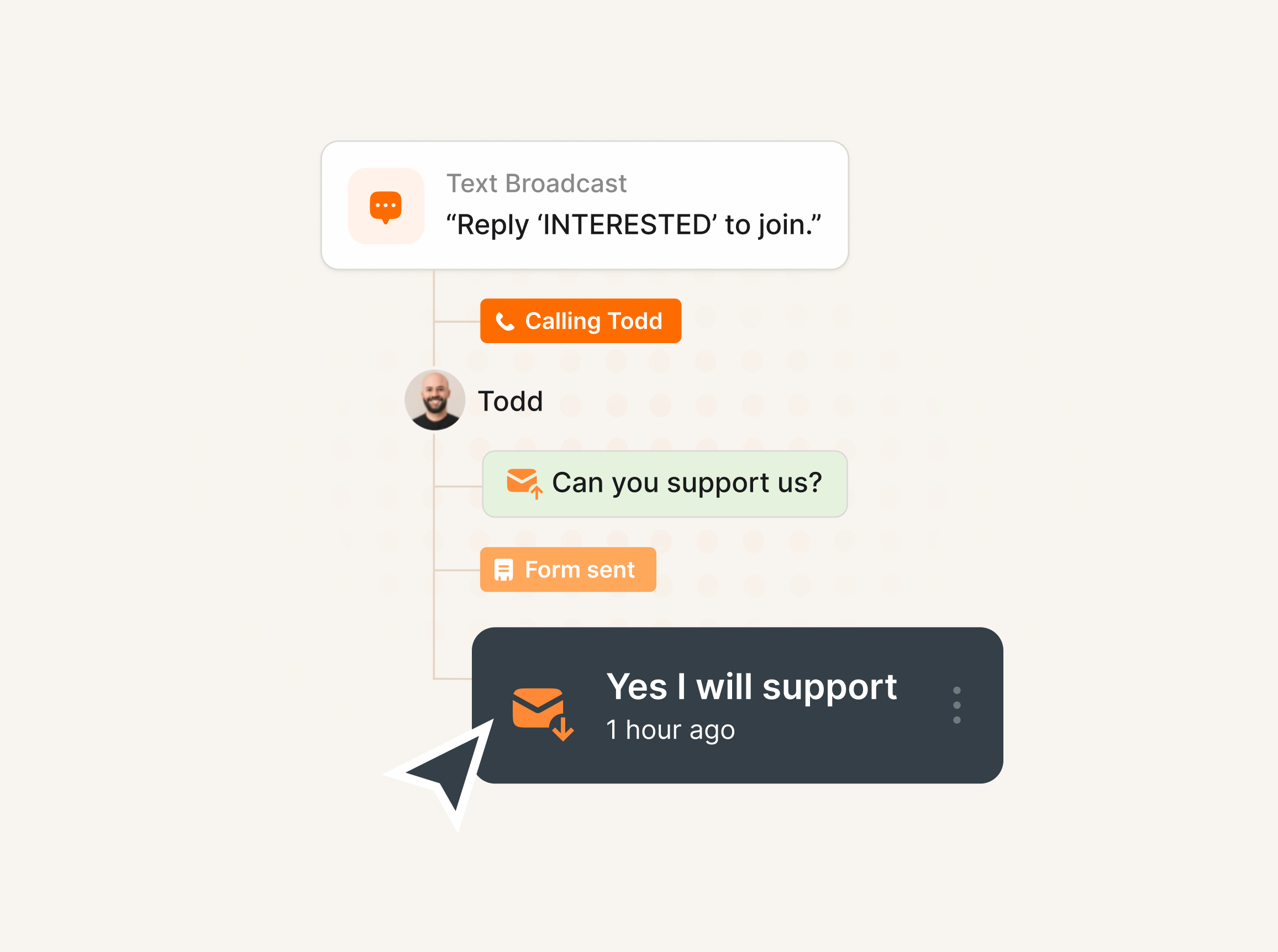
From list to campaign in four steps
How it works?
Step 1:
Choose your base
Start from all contacts, a specific contact list, or by tag. That’s your segment foundation.
Step 2:
Add conditions
Stack filters using AND/OR logic. Filter by tags, custom fields, dates, booleans, text, and more — across as many conditions as you need.
Step 3:
Preview & refine
See the matching contact count and a live preview update as you add filters. Search within the matched list, export as CSV, or save as a new contact list — all before committing.
Step 4:
Save & attach
Name your segment and attach it directly to any campaign — text broadcast, P2P, call center, or voice. Swap it out anytime, even after the campaign is created.
Built for the campaigns you actually run
Segments work across every outreach type. Here’s how organizations are using them today
Political Campaigns
Reach the right voters — not every voter on your list
Unions & Labor
Re-engage lapsed members. Mobilize active ones
Filter by membership status, local, last activity date, and custom fields like sublocal or subdivision. Run targeted campaigns for contract votes, dues reminders, or strike action mobilization without messaging the entire membership every time.
Nonprofits & Advocacy
Identify your best donors before your next campaign
Segment by donation history, contribution amount, last giving date, or event attendance. Reach your most engaged supporters with your fundraising ask and stop sending major donor pitches to first-time subscribers.
BENEFITS
The results teams see after switching to Segments
Better targeting isn't just about efficiency — it's about campaigns that actually work.
Hours saved every campaign
No more pulling Salesforce exports, cleaning lists, and re-uploading CSVs. Define your segment once and reuse it indefinitely — setup time drops to seconds.
Higher message relevance
The right message reaches the right person. Higher reply rates, better engagement, and fewer opt-outs from contacts who were never supposed to get the message.
Budget spent where it counts
Stop paying to text or call people who aren’t relevant. Segments cut waste and stretch every dollar further across your campaigns.
Familiar for Salesforce users
If your team already builds Salesforce reports, Segments will feel instantly familiar. Same logic operators, same filtering approach — zero learning curve.
No manual data handling
Custom fields from Salesforce or your CRM work as filter conditions natively. No intermediary spreadsheets, no “I’ll just do it manually.”
Scales with your organization
Whether you’re targeting 200 members or 200,000 contacts, the same segment builder handles it — no separate tooling needed as your list or logic complexity grows.
RELATED FEATURES
Segments work better with these
Segments are part of Campaign Intelligence — a set of capabilities that make every campaign on CallHub smarter.

Workflow Automation
Build multi-channel journeys triggered by contact activity across calls, texts, and email.

Recurring Campaigns
Set it once, send on repeat. Attach a Segment for a contact list that refreshes itself before every scheduled send.
TESTIMONIALS
Hear it from the field

“A lot of our folks are volunteers, a lot of them are retired, they are often anxious with technology … It’s empowering for volunteers who don’t see themselves as very tech-savvy to be able to pick [CallHub] and a new program and just use it!”

Celine Trojand
Organizing for Change

“When other platforms were struggling, CallHub was a trusted partner who could easily scale up quickly when needed… from texting 5 people to calling 5 million, we could trust CallHub.”

John Robinson
Bernie 2020

“CallHub is my go-to platform for affordable phone canvassing, voice broadcasts, and text message blasts. The text message blasts are the most useful tool for volunteer mobilization.”

John Roche
Green Party of Prince Edward Island
“We can make calls at about 5x the rate that we would with a manual dialer, getting through a list of 100 calls in just over an hour. This has been a huge capacity saver in our organization.”

Amanda Destefano
United Workers Union
“Nationbuilder integration is awesome, particularly for SMS and for making calls to recruit volunteers. The development team is very responsive to questions and feature requests, too.”

Django Merope Synge
GetUp
Win faster with outreach that speaks with one voice...
Unify every channel and keep your team aligned from first touch to follow‑through. Free credits to explore.
SECURITY BUILT IN
Certified to keep your campaigns safe


FAQs
What is a Segment in CallHub?
A Segment is a saved contact list built from filters and conditions you define — like “all contacts tagged progressive_democrat in Wisconsin with a valid phone number.” Once saved, attach it to any campaign as the contact source. No CSV uploads needed.
Can I use custom fields from Salesforce as filter conditions?
Yes. Custom fields imported from Salesforce — or created manually in CallHub — are available as filter conditions in the Segment builder. It’s designed to feel like building a Salesforce tabular report, so the workflow will be immediately familiar.
What campaign types support Segments?
Text broadcast, peer-to-peer texting, voice broadcast, and call center campaigns all support Segments as a contact source. You can select a segment instead of a contact list during setup, and swap it out even after the campaign is created.
Can I combine AND and OR logic in the same segment?
Yes. You can combine multiple conditions using AND/OR logic, and group conditions into segment groups for advanced targeting — the same way Salesforce report logic works.
Can I update a segment after saving it?
Saved segments can’t be edited in place — this keeps your campaign history clean and prevents accidental changes to a live audience. To iterate, duplicate any segment and modify the copy. Think of it as version control for your targeting. Segments can only be deleted when they’re not attached to an active campaign.
How do Segments work with Recurring Campaigns?
When a recurring campaign runs on its schedule, the attached segment re-evaluates your contact data before each send — new matches are included, opted-out contacts are removed. No manual list management between sends.
Can I preview matched contacts before launching?
Yes. The builder shows a live preview of the first 10 matching contacts and total count as you adjust filters. You can also search within the matched list, save it as a new contact list, or export the full match as a CSV — all before saving the segment.
Are Segments available on my plan?
Segments are available on all plans. Start a free trial to explore the builder.